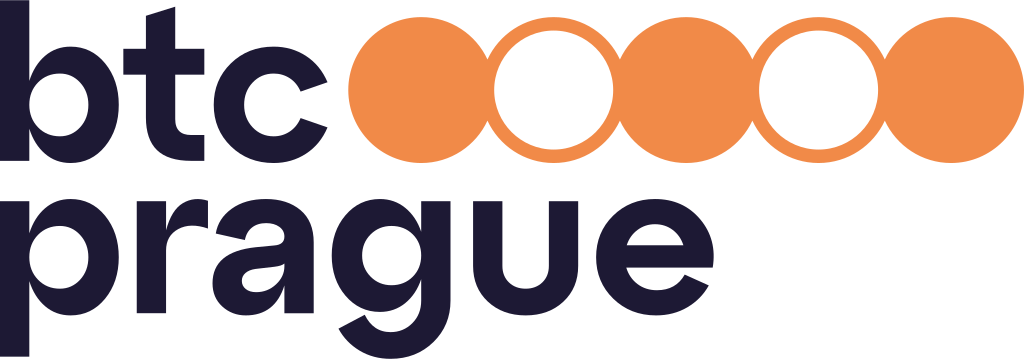
The BTC Prague logo encodes the binary sequence 10101 (21), referencing Bitcoin’s fixed supply of 21 million.
By downloading a specific version of the logo (screen version vs. print version) you immediately get the appropriate logo color for your use. The table provides an overview and the most common cases.
| Logo Usage Features |
For screens | For print |
|---|---|---|
| Color Mode of the downloaded files | RGB | CMYK |
| Recommended logo formats | SVG PNG | |
| Web and presentations (PowerPoint, Keynote) | ||
| Online documents (Google, Office365) | ||
| Business card, flyer, or brochure | ||
| Contracts and print documents |
Do not use shadows
Do not rotate the logo
Do not recolor the logo
Do not deform or change the original proportions of the logo
Do not separate the logo components
Do not use parts of the logo independently
Do not alter proportions
The BTC Prague logo must always remain clearly visible and legible against its background. Contrast is the priority.
The full-color version is intended for use on dark blue, cream, or white backgrounds. It must not be placed on orange, as the coin sequence loses visibility.
When using an orange background, switch to the approved monochrome version (white).
Background color: #ffffff
Logo version: Logo for light background
Background color: #fefbf6
Logo version: Logo for light background
Background color: #1d1934
Logo version: Logo for dark background
Background color: #000000
Logo version: Logo for dark background
Background color: #ffffff
Logo version: Logo for light background
Background color: #f18a48
Logo version: Logo for dark background
Background color: #f18a48
When placing the logo on photography, legibility and separation are non-negotiable. The logo must never compete with image details. If the background is too busy, high-contrast, or visually noisy, introduce a controlled separation layer (e.g. dark blue overlay) before placing the logo.
The logo should not be blended, masked, textured, or integrated into the photograph. It remains a distinct, flat layer.
Logo version: Logo for dark background
Logo version: Logo for light background